Support
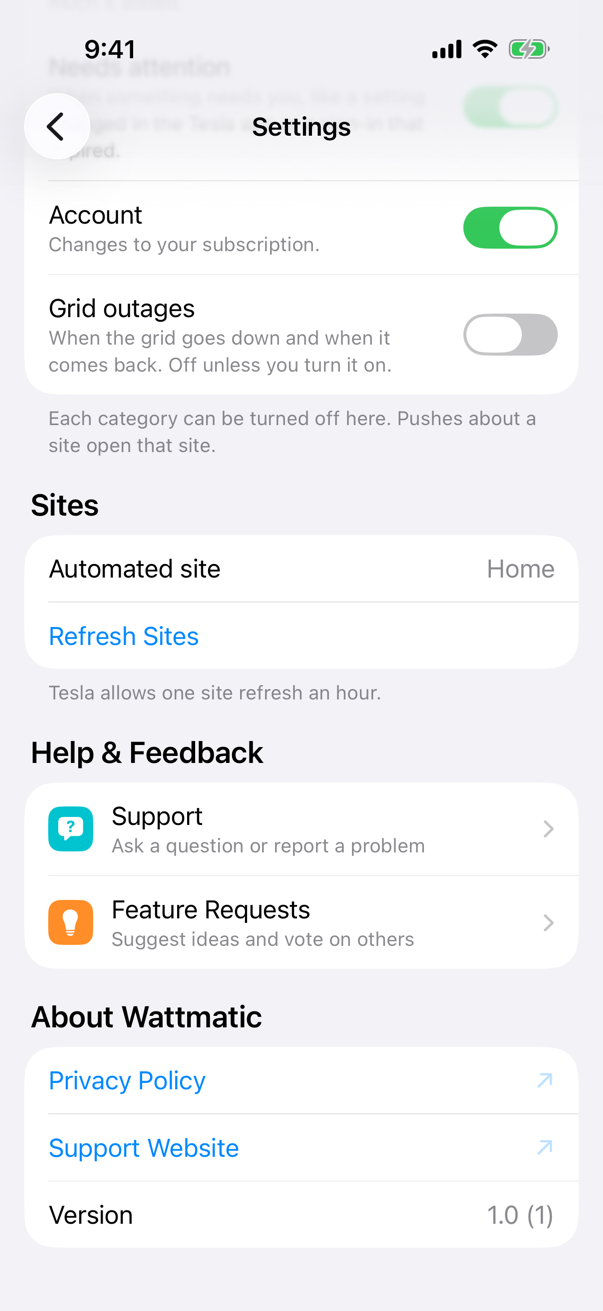
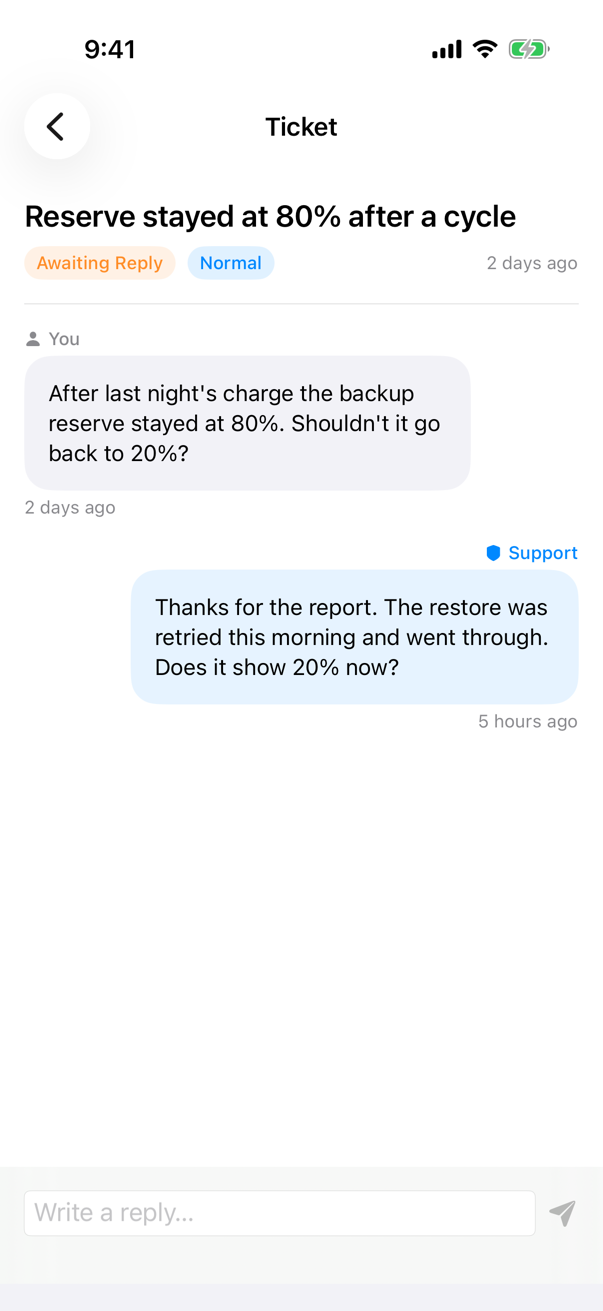
The quickest way to reach us is from the app: open Settings → Help & Feedback → Support, tap +, and describe what happened. Your ticket and our replies stay in the app, so you can follow the conversation there. Feature Requests, in the same section, is where you can suggest an idea or vote on what others have asked for.
You can also email support@grasscove.com. Include your site’s name and roughly when the problem happened. Please never send your Tesla password; we never need it.
How Wattmatic works
When your Powerwall’s charge falls to the floor you set, Wattmatic raises the backup reserve to your ceiling so the Powerwall charges from solar and the grid. When it reaches the ceiling, Wattmatic puts back every setting it changed. Our server does all of this through Tesla’s API. The app never talks to Tesla, and nothing touches your vehicles.
Wattmatic checks your site on a schedule rather than continuously: often when the battery is near the floor or charging, rarely when it’s full, and more closely in the evening, when the sun goes down and your home starts using more. Status in the app is as of the last check.
Time-of-use rates
If your utility charges more at some times of day, enter your rate plan in the app under Automation → Time-of-use rates, or import the plan Tesla has for your site. Wattmatic then charges from the grid only during off-peak hours:
- If the battery reaches your floor during peak, Wattmatic waits and starts charging when off-peak begins. Your Powerwall keeps powering your home in the meantime, down to the backup reserve you set in the Tesla app.
- If off-peak ends before the battery is full, charging stops and your settings are put back.
- If the battery won’t last through the coming peak, Wattmatic charges it before off-peak ends, starting early enough to finish in time.
Charge now ignores your rate plan.
Common questions
Signing in didn’t work
Start again from the app. Sign-in links expire after 10 minutes and work once. If you cancelled on Tesla’s page, nothing was connected. Choose Continue with Tesla again when you’re ready.
Charging didn’t start, or isn’t progressing
Your Powerwall can only charge from the grid if grid charging is allowed for your site. Check it in the Tesla app; some utilities don’t allow it. Wattmatic tells you if charging hasn’t started 30 minutes into a cycle.
I changed a setting in the Tesla app
Wattmatic detects external changes during a cycle. By default it stops managing the setting you changed, preserving your choice while restoring other settings it still owns. If you enabled pause-on-change, automation suspends instead. Check the event log for what changed.
Live readings or manual refreshes slowed down
Wattmatic manages Tesla API usage across each site. Discretionary refreshes can slow down during high usage. Automation and restoring settings continue independently of that limit.
The app asks me to reconnect Tesla
Your Tesla sign-in expired or access was revoked. Open the app and reconnect; your settings and history are kept.
Storm Watch is on
Wattmatic doesn’t start a cycle while Storm Watch is active. Tesla is already managing your reserve.
Subscriptions and refunds
Purchases go through the App Store. Manage or cancel a subscription in your Apple account’s subscription settings, and request refunds from Apple. Deleting your Wattmatic account doesn’t cancel a subscription.
Deleting your account
In the app: Settings → Delete account. Your account is closed straight away; Wattmatic puts back any setting it changed on your Powerwall, then deletes your data, always within 30 days. You can also email support@grasscove.com. See the privacy page for exactly what we store.